The Get started checklist, explained
The card at the top of your Dashboard is your launch to-do list. What each item means.
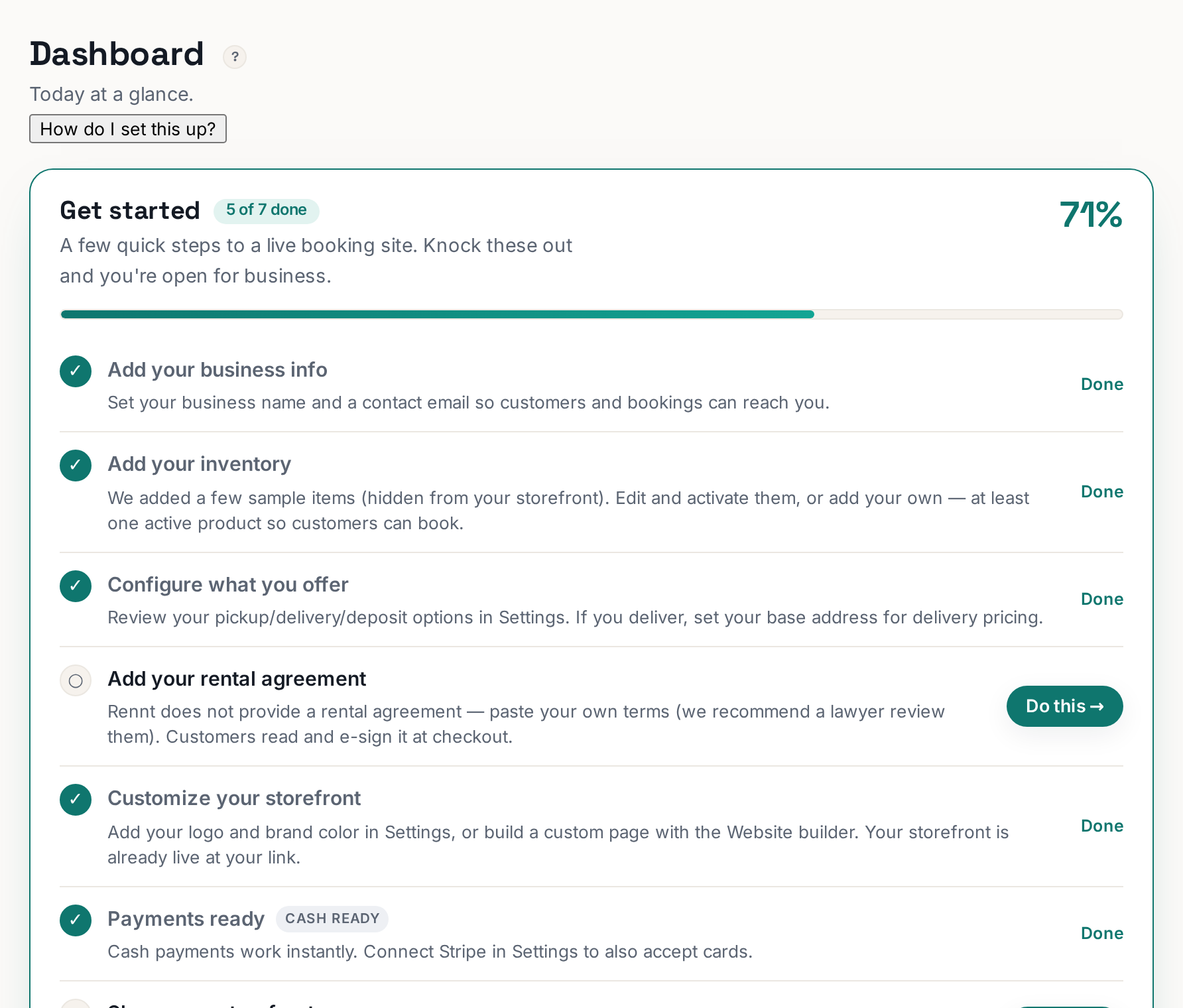
The card at the top of your Dashboard is your to-do list for opening: it tracks what is left before customers can find you and book. Work it top to bottom and you are live.
 Tap to enlarge
What the items mean#
The exact list adapts to your account, but the shape is always the same:
- Build your website — the storefront customers book on. The fastest route is the big teal button that drafts it with AI.
- Add your real products — replace the "(sample)" items with what you actually rent, with prices and photos.
- Set your business details — address, phone, service area. Your address also powers delivery pricing.
- Share your link — your storefront lives at rennt.app/s/your-slug; put it on your Google Business Profile and social pages.
How it updates#
Each item checks itself off as you finish the task — there is nothing to mark done by hand. If an item stays unchecked after you think you finished, click into it; it takes you to the screen where the missing piece lives.
Do I have to finish it?#
No — bookings work as soon as your site is published and a product is active. But every unchecked item is usually the answer to "why am I not getting bookings yet?", so it pays to clear the list in your first week.