Where do I find my booking link to share?
View storefront (top right) — that URL is your booking link.
Plan: All plansWho: Everyone
Click View storefront at the top right of your dashboard. Whatever URL opens is your booking link.
It looks like rennt.app/s/your-business-name — or your own domain, once you connect one.
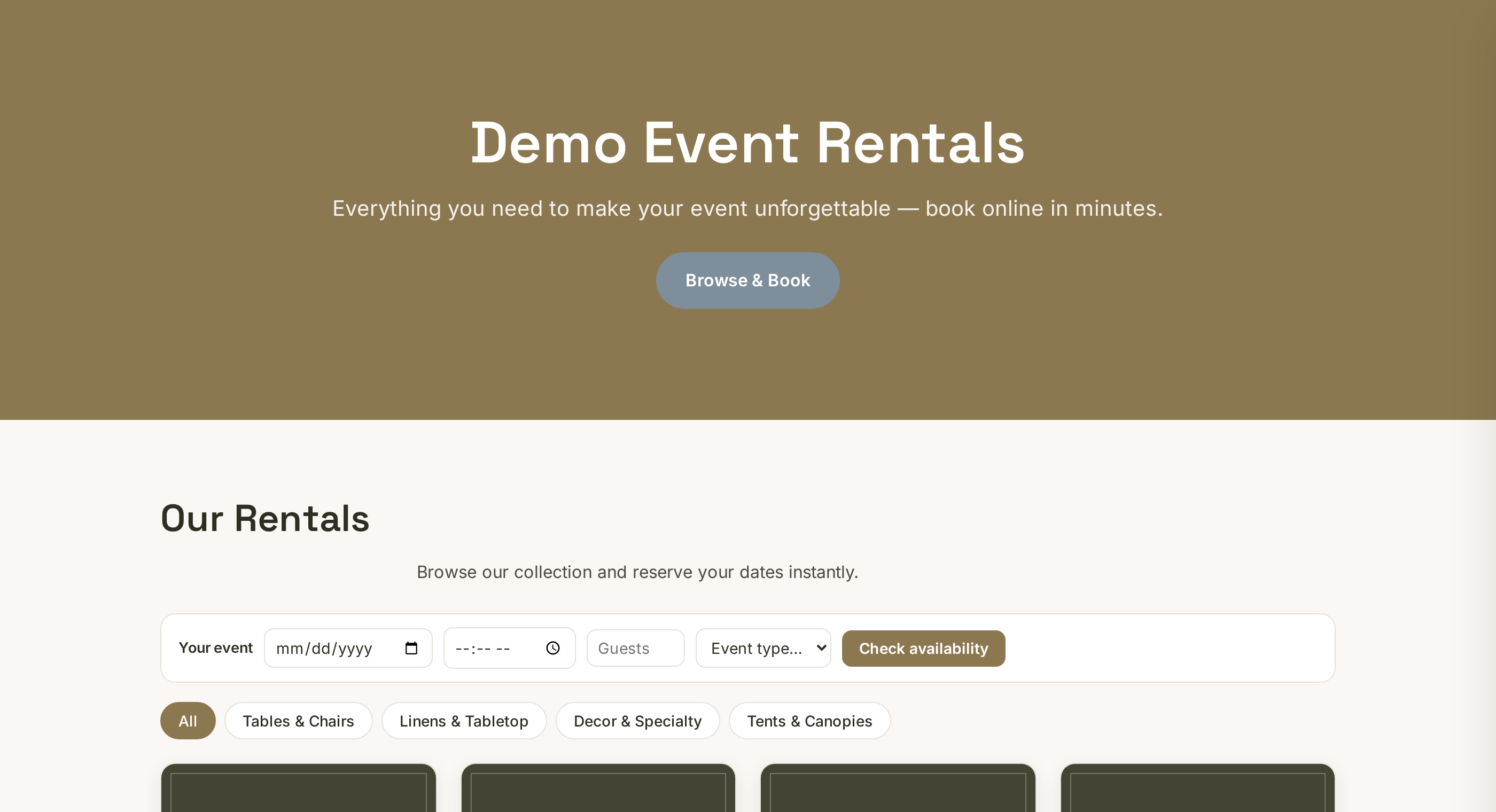 Tap to enlarge
Where to put it#
Everywhere, but these first:
- Instagram bio — the single highest-value slot you own.
- Facebook page — set the page button to "Book Now" and point it here.
- Google Business Profile — as your website. Free, and it is what local searchers actually find.
- Your text replies — see below.
- Invoices, email signature, truck, yard sign, flyers.
The habit that changes everything#
When someone texts "how much for a bounce house Saturday?", reply with the link instead of a price.
They can see everything you rent, check that Saturday is free, and book it — at 11pm, without you. You stop being the bottleneck in your own business.
★
Owners who do this consistently see the difference within weeks. It costs nothing and it is the whole point of having a storefront.
Custom domain#
On Pro you can run it on yourbusiness.com instead. Nice, but not urgent — the Rennt link takes real bookings today, and you can switch later without losing anything.
More in Getting started
What if I get stuck?Every tab has a step-by-step guide. Then the chat. Then a human.Signing up: Google or email?Both get you the same account — how to pick, and how to avoid the classic login mix-up.The guided tour — and how to run it againA short walkthrough of every part of the dashboard. Re-run it any time from the Dashboard.The Get started checklist, explainedThe card at the top of your Dashboard is your launch to-do list. What each item means.What the 14-day free trial includesEverything is on during the trial. What changes when it ends, and what it costs after.