What if I get stuck?
Every tab has a step-by-step guide. Then the chat. Then a human.
You will not be left guessing. In order of speed:
1. The ? icons — instant#
Almost every field and option in the dashboard has a small ? next to it. Click it for a plain-English explanation of what that specific thing does. There are over 70 of them.
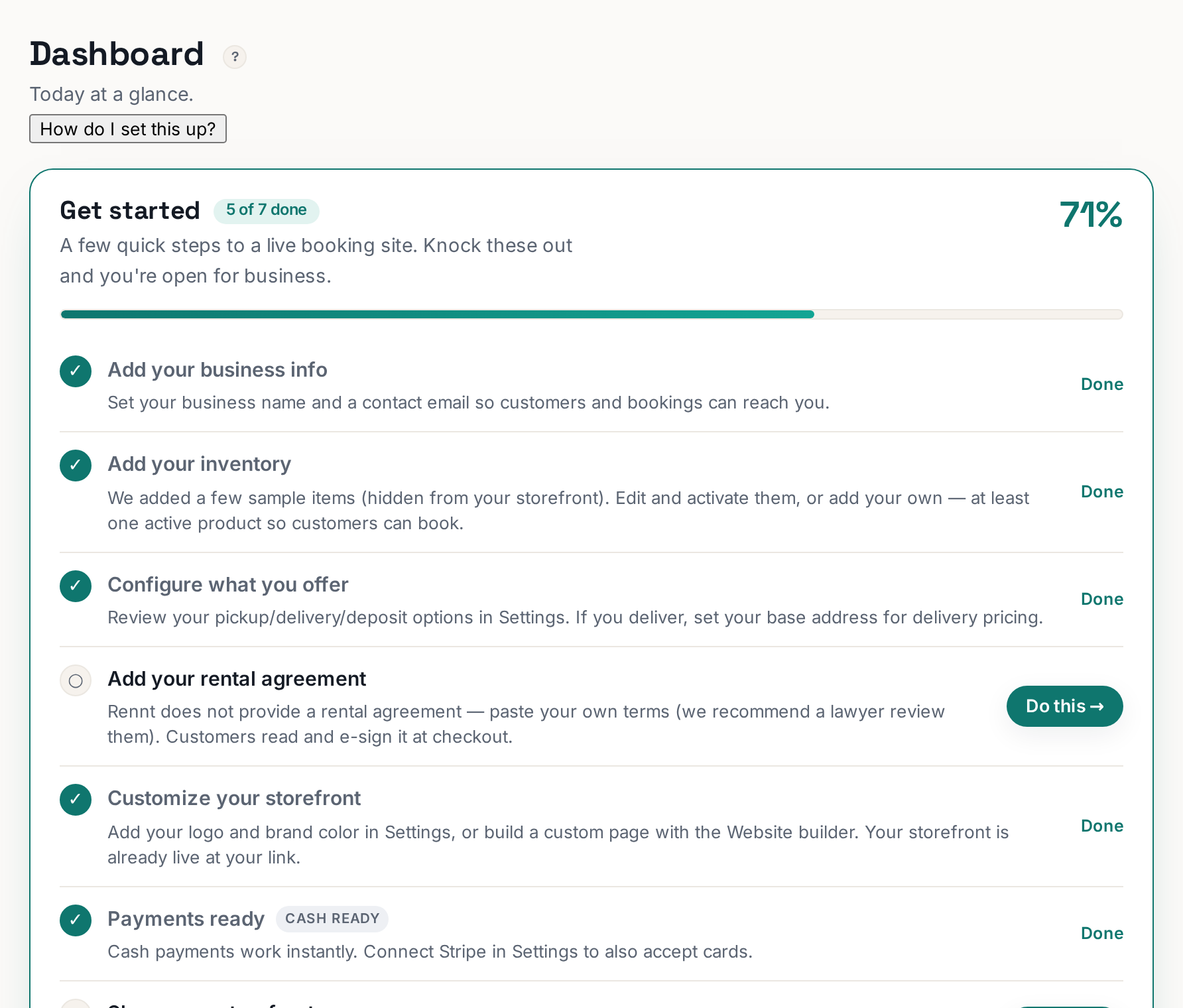
2. "How do I set this up?" — every tab#
At the top of every tab, under the title. It opens a step-by-step guide for that exact screen in a panel beside your work, so you never lose your place.
 Tap to enlarge
3. The ? Help button — searches everything#
Top right of your dashboard. Search the whole Help Center without leaving what you were doing.
4. This Help Center#
Search it. It is written for rental owners, not engineers, and every answer names the actual buttons.
5. The chat bubble#
Bottom-right corner of the website. Answers most questions instantly.
6. A real person#
Email support@rennt.app. Or use Ask us your question at the bottom of the Help Center — we answer you directly, and the answer becomes an article so the next owner never has to ask.