Simple mode vs Advanced mode — which should I use?
Simple shows 6 things. Advanced shows everything. Switch any time.
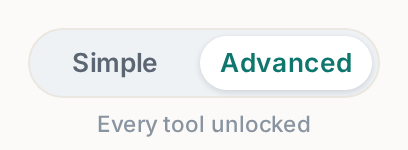
The toggle sits at the very top of your left menu. It changes what you see, never your data.
 Tap to enlarge
Simple mode#
Shows only the six things that get you live and taking bookings: Website, Dashboard, Bookings, Inventory, Plan & Billing, Settings.
That is deliberate. The full console has 19 tabs, and a rental owner on day one does not need dispatch routing and SEO health scores — they need a site with their gear on it.
Advanced mode#
Everything: Customers, Delivery, Dispatch, Check-in/out, Reports, Analytics, SEO, Quotes, Reviews, Chat agent, Rental agreement, Custom domain, Team.
Which should you use?#
Start in Simple. Switch to Advanced when you hit a real need — you hire a driver, or you want to see where your traffic comes from. Chasing a feature you do not have a use for yet is how people waste a Saturday.