What is the fastest way to add my inventory?
Browse product library — ~50 items with prices already filled in.
Two ways, and the second one is much faster than most owners expect.
The fast way — the product library#
Click Browse product library in Inventory. You get roughly 50 ready-made products across six rental industries — tents and tables, bounce houses, weddings, AV and staging, decor — with sensible names, descriptions and starting prices already filled in.
Tick the ones you rent, click Add selected, and they land in your inventory.
Imported items arrive inactive on purpose, with a placeholder image. That is deliberate: it means a stock photo and a guessed price can never reach a real customer. Set your own price and quantity, upload a photo of your actual gear, then flip the green Active toggle on.
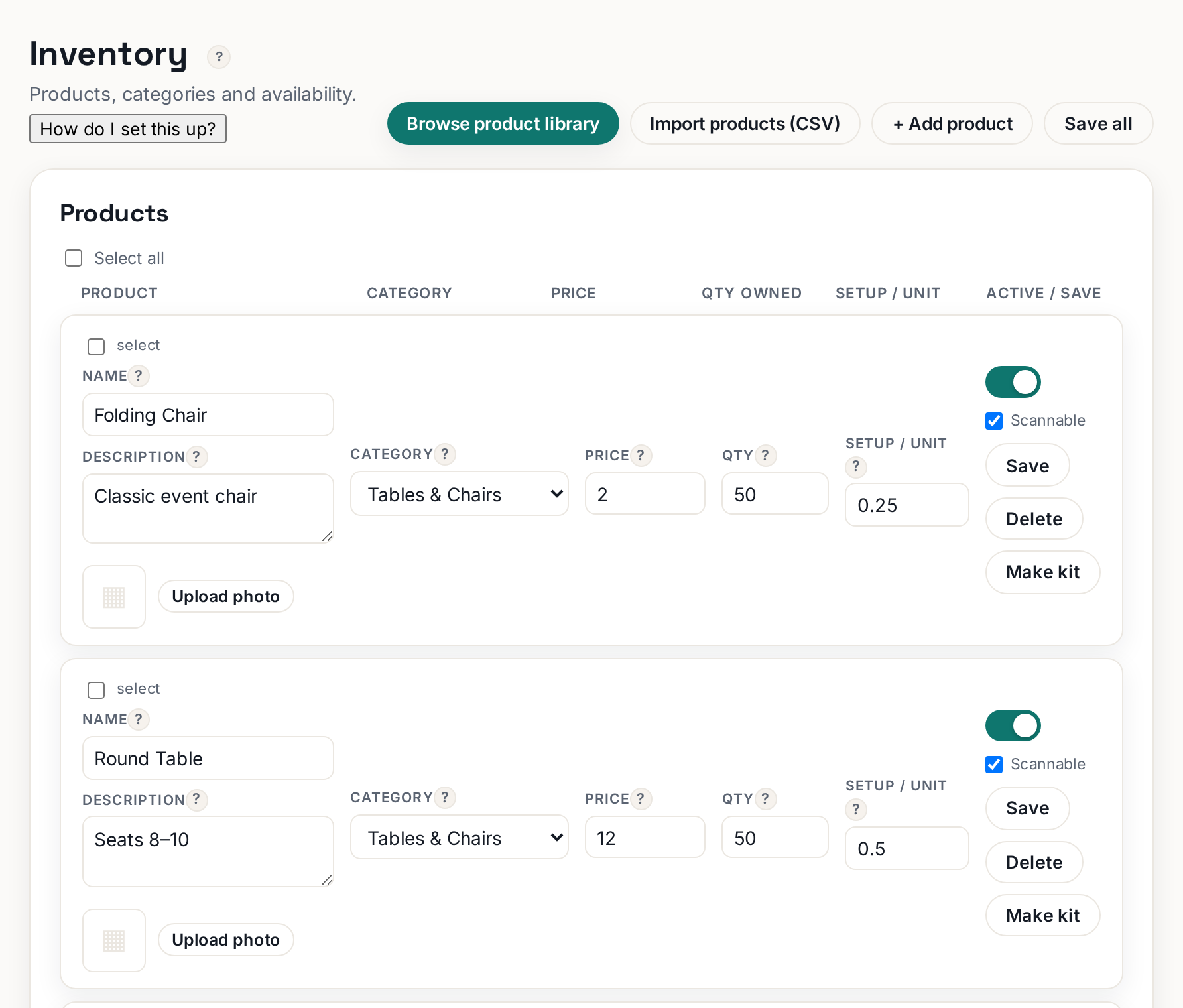 Tap to enlarge
The manual way#
Click Add product and fill in the row yourself. Best when you rent something unusual that the library does not cover.
Bulk import (CSV)#
If you already keep your catalog in a spreadsheet, there is an Import / Export section at the very bottom of the Inventory page. It is deliberately out of the way — it is the rarest thing an owner needs, and it is easy to make a mess with.