How do I use my own domain name?
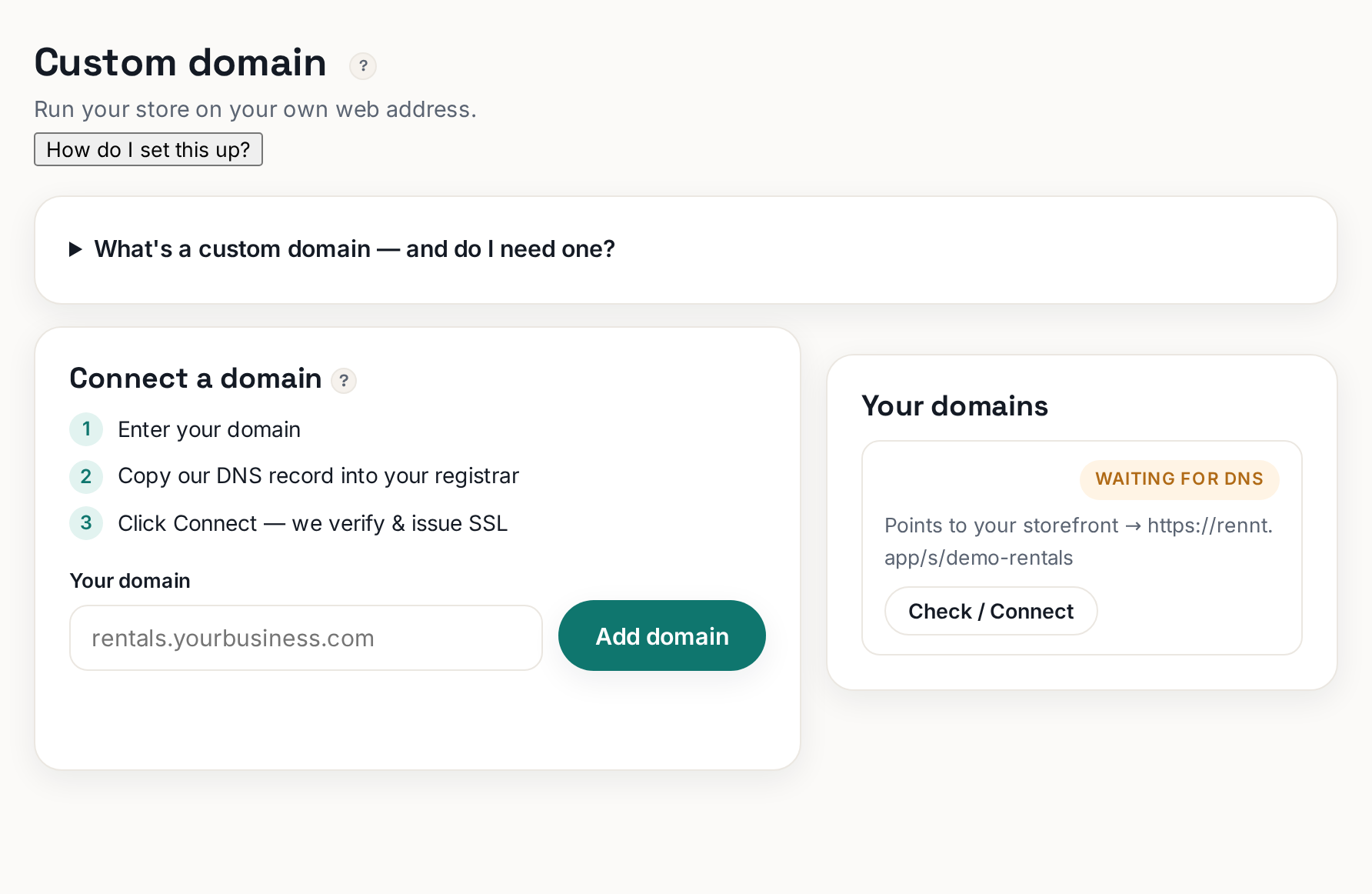
Enter your domain, paste two DNS records at your registrar, we do the rest.
Plan: ProWho: Everyone
You can use yourbusiness.com instead of the Rennt link. It is a Pro feature.
 Tap to enlarge
The steps#
- Open Custom domain in the left menu.
- Type in the domain you already own and click Add domain.
- Rennt shows you exactly two DNS records. Leave this tab open.
- Log in to wherever you bought the domain — GoDaddy, Namecheap, Google Domains, Cloudflare — and find the DNS settings. It is usually called "DNS", "Manage DNS", or "Nameservers / Records".
- Add the two records exactly as shown. Copy-paste them; a single typo means it will not verify.
- Come back to Rennt and click Finish connecting. We check for you, and when it verifies we flip your storefront over and issue the SSL certificate automatically.
About the wait#
DNS changes take anywhere from a few minutes to a few hours to spread across the internet. Occasionally up to 24. That wait is normal and there is nothing to fix — we keep checking in the background.
!
Do not change your nameservers unless you know what you are doing. You only need to ADD two records. Changing nameservers can take your existing email offline.
You do not need a domain to start#
The Rennt link works perfectly and takes real bookings today. You can add a domain later without losing anything — no re-setup, no lost bookings.
More in Your website
How do I change the text or colors on my website?Open the Website builder and edit anything — or tell the AI what to change.How do I get my site into Google? (indexing, step by step)Submit your sitemap in Search Console. Here is the exact URL to paste.The AI website builder, step by stepFrom two sentences about your business to a published site — usually under ten minutes.Editing website sections by handEverything the AI drafts, you can change. What to edit first and why drafts are safe.Your logo and storefront colorsTwo colors and a logo drive your whole storefront look. Both live in Settings.