Your logo and storefront colors
Two colors and a logo drive your whole storefront look. Both live in Settings.
Plan: All plansWho: Owners and admins
Your storefront wears your brand: a logo in the header and two colors that drive buttons, headings and accents. Both live in Settings.
Uploading a logo#
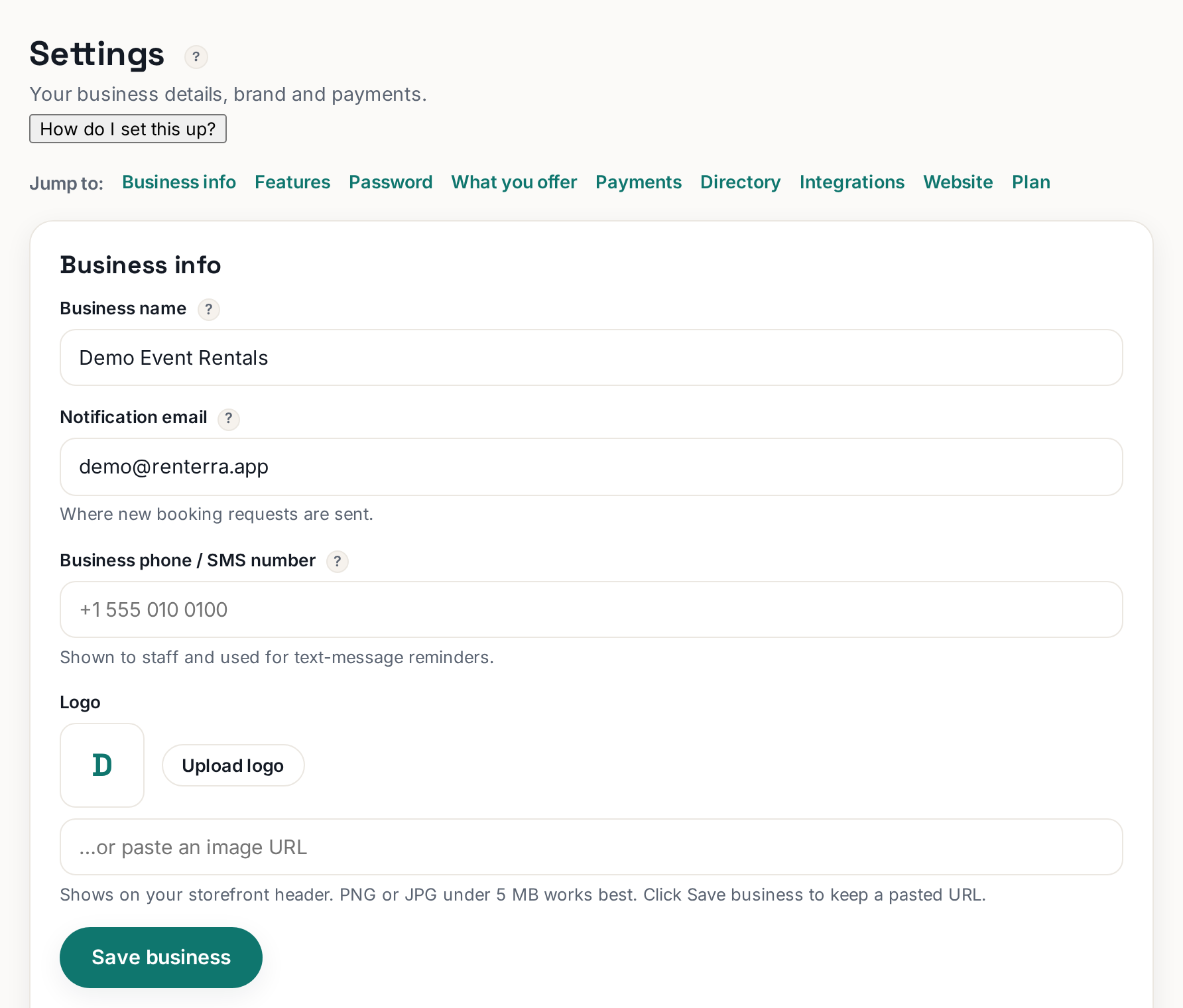
In Settings, find the logo control near your business details and click Upload logo (it becomes Change logo once one exists). A wide PNG with a transparent background looks best in the header. No logo yet? Skip it — your business name shows in its place, which beats a bad logo.
 Tap to enlarge
Setting colors#
Settings›Storefront colors›Save colors
The Storefront colors panel has two pickers:
- Accent / brand color — buttons, links, highlights. Use your main brand color.
- Text (ink) color — headings and body text. Keep this very dark; pale gray text reads as broken.
Click Save colors and your storefront updates.
Choosing colors that work#
- Pick the accent from your logo or your trucks — consistency is the brand.
- Contrast matters more than taste: the accent must read clearly against white. Neon yellow and pastels fail as button colors.
- Two colors is the system on purpose. Sites with five brand colors look homemade.
i
These colors style your storefront at rennt.app/s/your-slug. The page content and sections themselves are edited in the Website tab.
More in Your website
The SEO tab: your city, your keywordsTell Google what you rent and where. Three fields do most of the work.Connecting Google Search ConsoleTell Google your site exists and see which searches show it. One button plus a sitemap.Connecting Google Analytics (GA4)See how many people visit your storefront and where they came from. One pasted ID.What renters see: your storefront, start to finishThe whole customer journey — browse, pick dates, book, sign — and why it shapes your setup.Connecting your own domain (GoDaddy, Namecheap)Put your storefront on a domain you own. Two clicks in Rennt, one record at your registrar.