The SEO tab: your city, your keywords
Tell Google what you rent and where. Three fields do most of the work.
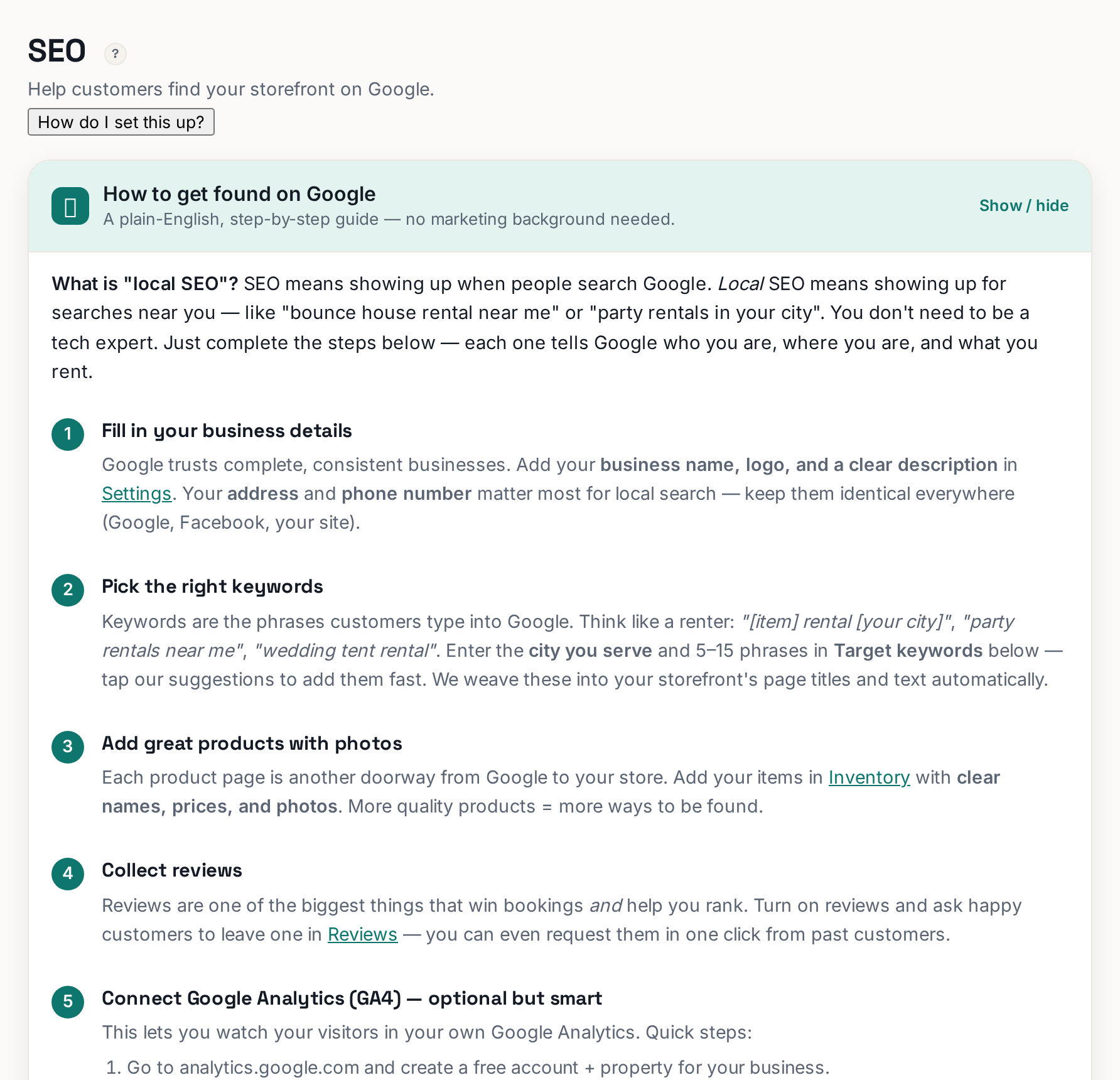 Tap to enlarge
The SEO tab (Advanced mode) is where you tell Google what you rent and where — the two facts local search runs on. Fill in three things and you have done the part that matters most.
The city you serve#
Enter your real service city. It feeds your site's titles and descriptions so searches like "bounce house rental riverside" can match you. Pick the city customers actually search from — the metro name, not your industrial park's suburb.
Keywords#
Add the phrases customers type: "bounce house rentals", "tent rental", "wedding chair rental". The tab suggests common ones for your industry — take the relevant ones, add your own, press Enter after each. Aim for the 5–10 you genuinely offer; a hundred keywords helps nothing.
When both are set, click Save city & keywords.
The score and the checklist#
The SEO health score ring at the top grades the basics, and the Local SEO checklist lists what is missing — a title that names your city, a description, products with photos and prices. Work items off the list and the ring climbs. It is a checklist, not a mystery.
Keep expectations honest#
SEO is slow: weeks, not days, for a new site to appear in results. The two fastest accelerators are outside this tab — a Google Business Profile with your link, and real customer reviews. The get-found-on-google article covers the wider picture.