What renters see: your storefront, start to finish
The whole customer journey — browse, pick dates, book, sign — and why it shapes your setup.
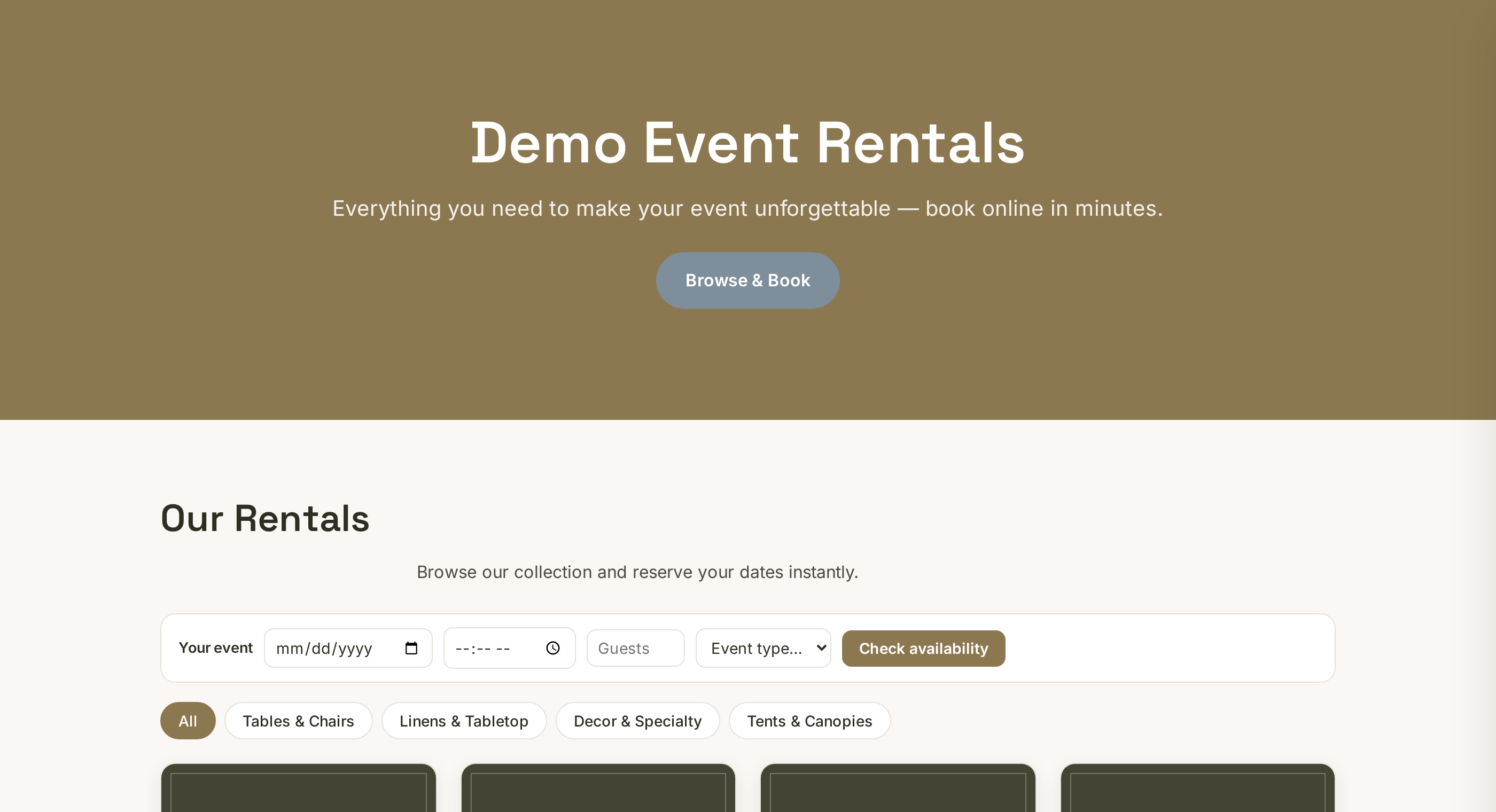
Your storefront at rennt.app/s/your-slug is the whole customer journey: browse, pick dates, book, sign. Knowing what renters experience makes every setup decision obvious. Open View storefront in your dashboard header and walk it yourself.
 Tap to enlarge
Browsing#
Renters land on your site — your logo, colors and website content — with your products in a photo grid, grouped by category chips. Photos and visible prices do the selling; items without either get skipped.
Booking#
They pick their event date and choose items and quantities. Availability is checked against your real stock and blackout dates, so they cannot book what you will not have. Then they enter contact and delivery details. If you have set a rental agreement, the review step shows it and they sign by typing their legal name — with an optional drawn signature — before submitting.
What happens next#
The booking arrives as a request in your Bookings tab, and you get notified. Nothing is promised until you confirm — you stay in control of the calendar. When you confirm, the customer gets an email. Cash-first means no card is charged online unless you have connected Stripe to take card payments.
Why this matters for setup#
Every abandoned booking traces back to this walk: no photo, no price, an unclear description, a surprise at the review step. Walk your own storefront once a month like a stranger — it is the cheapest audit you will ever run.