How do I know if my site is actually live?
Open your storefront link in a private window on your phone.
Plan: All plansWho: Everyone
Open your storefront in a private/incognito window, on your phone, and try to book something.
That is the only test that means anything. Your normal browser is logged in and full of cached pages — it is the least reliable view of your own website you own.
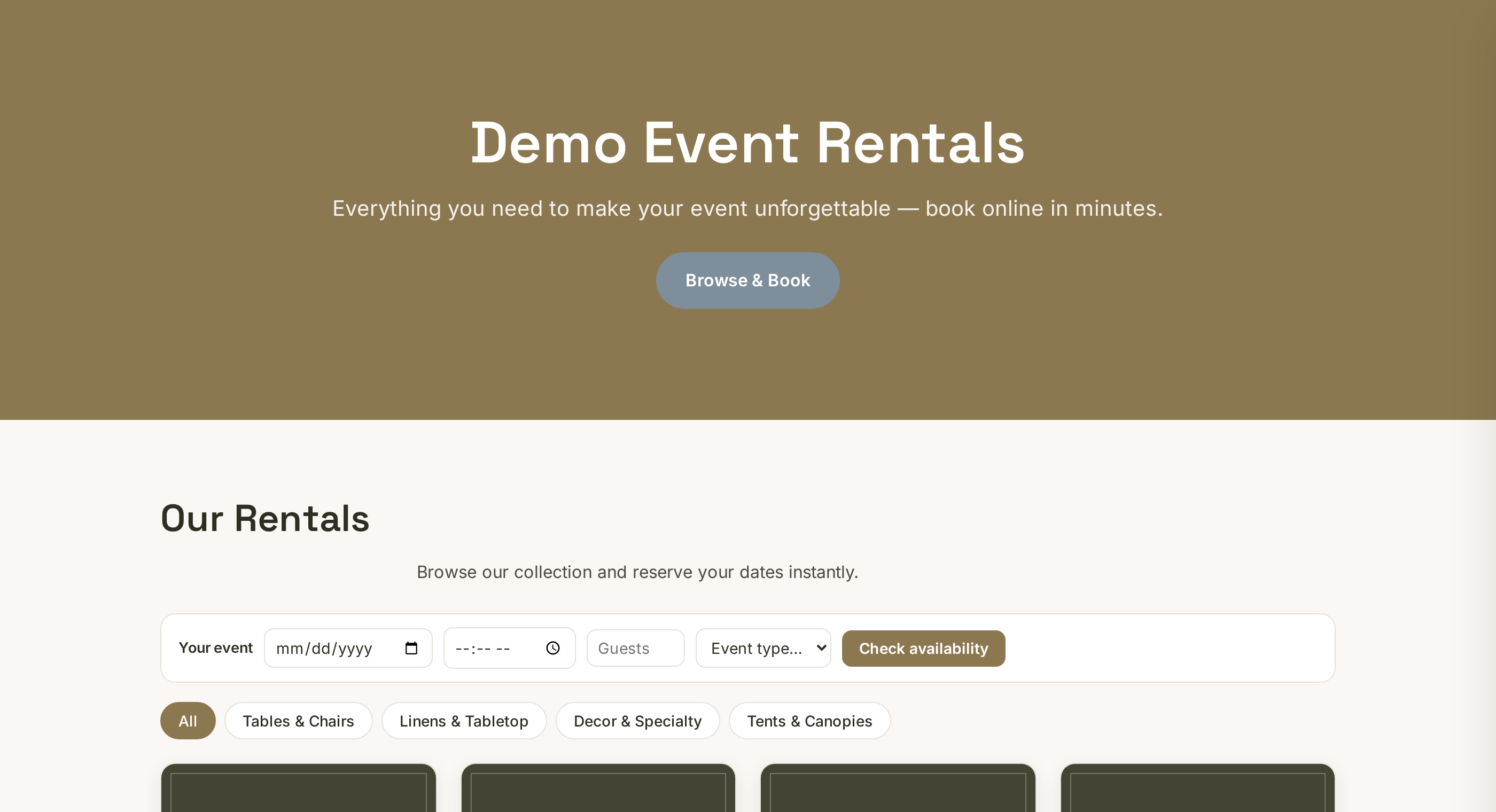 Tap to enlarge
The 60-second proof#
- Click View storefront at the top right of your dashboard.
- Copy that URL, open a private/incognito window, paste it in.
- Pick a product, choose dates, fill in the details, and submit a real booking.
- Open Bookings. It should be sitting there within seconds, and you should have an email.
- Delete your test booking so it does not pollute your Reports.
If that worked, you are live. Nothing else needs to happen. Go share the link.
If nothing shows on the storefront#
You almost certainly have no Active product. Sample and library-imported items start switched off on purpose. Open Inventory, set a price and Qty, and flip the green toggle on.
!
Do not judge your site from the tab you have had open all afternoon. Private window, or your phone with wi-fi off. That is what a stranger gets.
More in Fixing problems
Storefront shows old pricesIt is almost always an unsaved row or a cached page. Save the row, then hard refresh.Photo upload keeps failingThe file is usually too big or an odd format. A smaller JPG fixes it nine times out of ten.A date is blocked but should not beCheck three things in order: blackout dates, quantity used up, and unconfirmed requests holding units.Stripe onboarding is stuckClick Finish connecting to resume. If it loops, Stripe is waiting on a verification item.Text messages are not sendingWork down the list: Twilio connected, Send test SMS, then the Twilio trial trap.