Storefront shows old prices
It is almost always an unsaved row or a cached page. Save the row, then hard refresh.
When the storefront shows an old price, it is almost always one of two things: the row was never saved, or your browser is showing a cached copy.
1. Check the row actually saved#
In Inventory, each product row saves on its own — editing a price and clicking away is not enough if you did not hit Save on that row. Open the product, confirm the Price field shows the new number, and Save again. Changing several products? Save all catches everything at once.
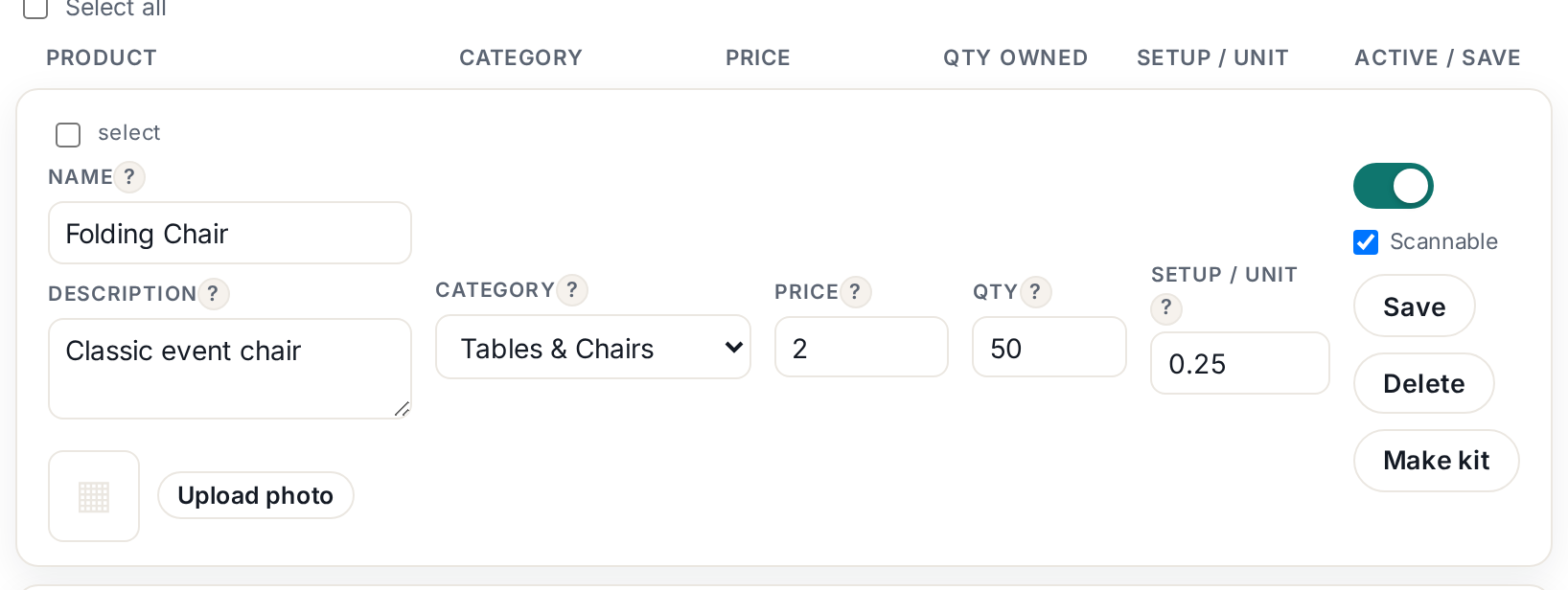 Tap to enlarge
2. Beat the cache#
Browsers keep copies of pages to load them faster, and sometimes serve a stale one. On the storefront page press Ctrl+Shift+R (Windows) or Cmd+Shift+R (Mac) for a hard refresh. On a phone, close the tab fully and reopen your storefront link.
Still old after both?#
Make sure you are editing the product you think you are — two near-identical items ("Round Table" vs "Table, Round") have burned more owners than any bug. Search Inventory for the product name and confirm there is only one.