How do bookings reach me? Do I have to enter them?
They arrive by themselves when someone books your storefront.
You never type in a booking that came from your website. It is already there.
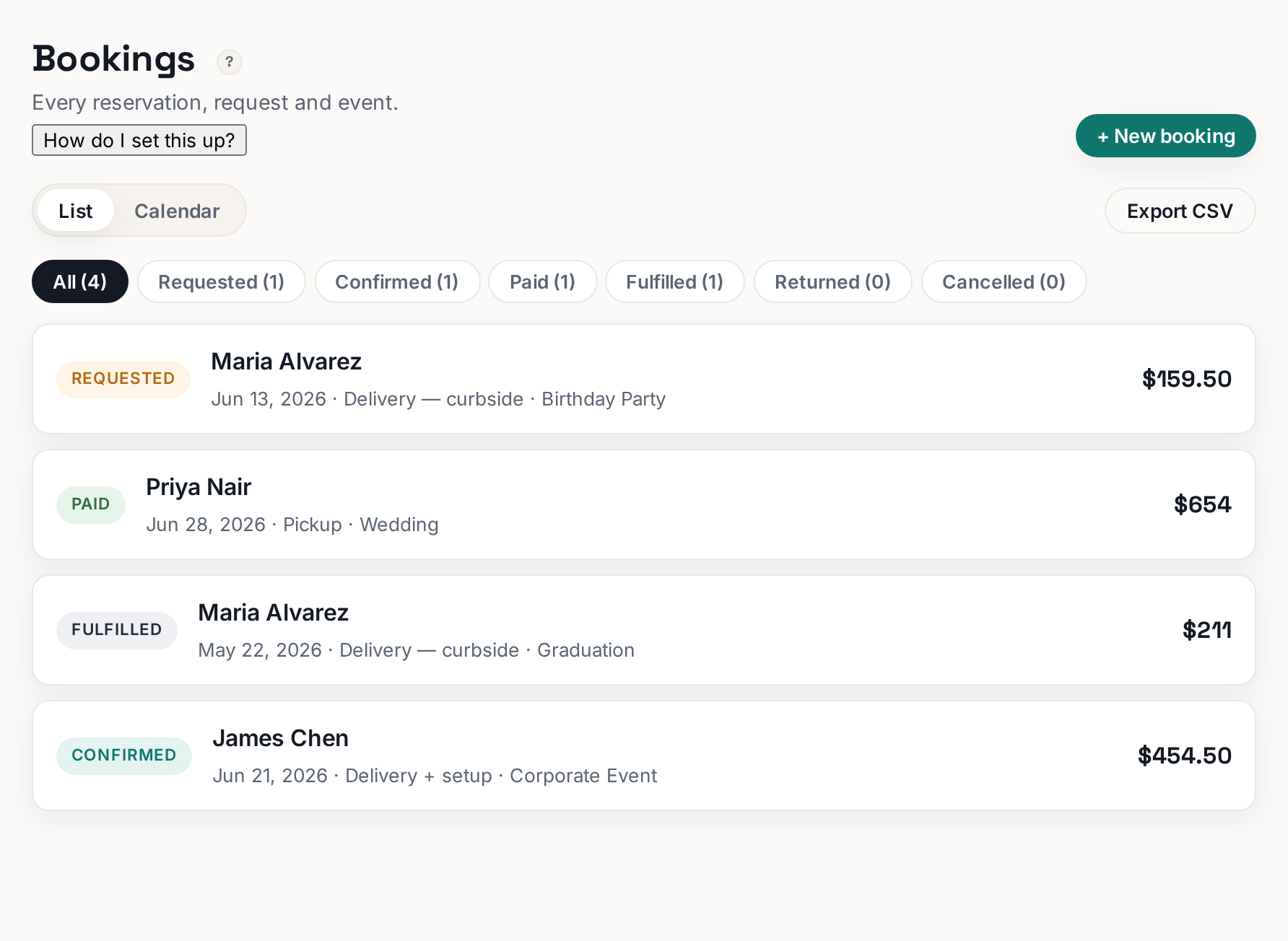
When someone books on your storefront, the order lands in Bookings within seconds — their items, dates, delivery address, contact details and signed agreement all attached. You get an email too.
 Tap to enlarge
The two-step: Request, then Confirmed#
A new online booking arrives as a Request. Open it and click Confirm. That does two things: it reserves the stock for those dates so nobody else can book it, and it emails the customer their confirmation.
The point of the two-step is that you stay in control — check the date, the address, whether you actually have a driver — before you commit. If you would rather not review each one, just confirm them as they arrive; most owners do it in under a minute.
Phone and text orders#
Click + New booking and enter it yourself. Same record, same stock protection, same paperwork.
This matters more than it sounds: bookings you take by phone and forget to enter are the only realistic way to get double-booked.
What you can do inside a booking#
- Confirm or cancel it.
- Record a deposit or payment — cash, card, check or other.
- Print pull sheet — what your crew loads onto the truck.
- Print agreement — the signed terms, with the customer's typed name, signature and timestamp.
- Add a note to remember something about the job.
Filters and export#
The status chips along the top (All / Requested / Confirmed / Paid / Fulfilled / Returned / Cancelled) filter the list. Export CSV gives you a QuickBooks-importable spreadsheet with dates, amounts, tax and signer.